Blog · website
How to Get More Google Calls as an Electrician
By Nathan Glass · August 18, 2026
Electricians get more Google calls when their Business Profile shows up complete, their website answers the questions homeowners type, and they reply to leads within minutes. The rest of this guide walks through the exact pieces that matter for service calls like panel upgrades, EV charger installs, and emergency outlet repairs.
Fix Your Google Business Profile First
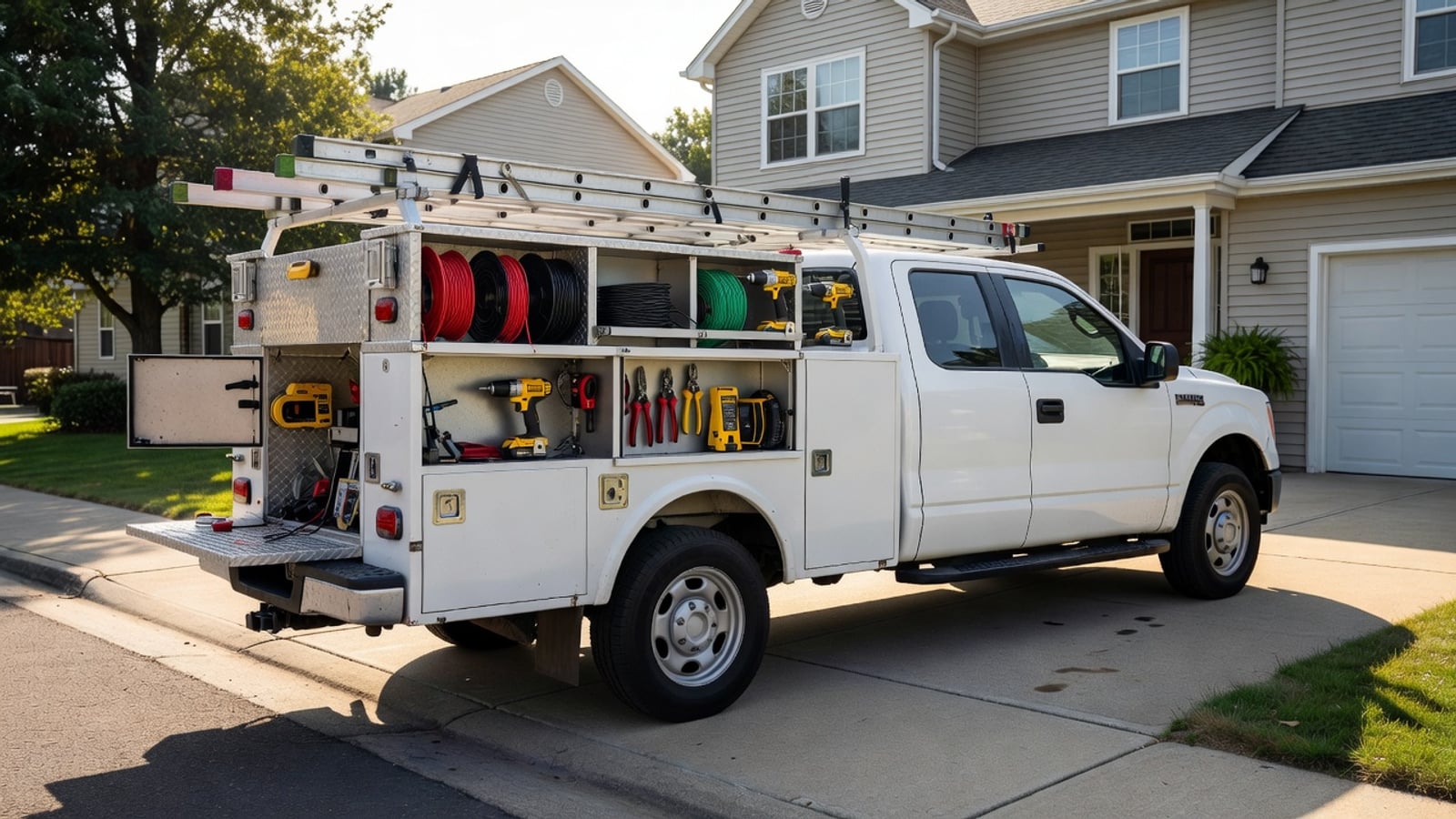
Most electricians already have a Google Business Profile, yet many still miss calls because the profile is incomplete or outdated. Start by confirming your category is set to Electrician and that every service you offer is listed. Add photos of recent work, your truck, panel upgrades, and lighting installs so people see proof before they click call. Homeowners searching for same-day outlet repairs or generator hookups often scan the photos first to judge whether the business handles their exact issue.
Post updates at least once a week. Share before-and-after shots of jobs or short notes about common issues like GFCI outlets or EV charger installs. Profiles that stay active rank higher in the local pack and get more direct calls. Keep your hours accurate and add special hours for emergency service if you offer it. Electricians who post about recent panel upgrades in specific neighborhoods often see the map pack surface their listing when nearby homeowners search the same terms.
Electricians who list specific services such as whole-home rewires, generator hookups, and smart home wiring see more clicks from homeowners searching for those exact terms. Update the description to mention your service area towns and response time for same-day calls. This small step often separates profiles that get buried from those that surface in the map pack. Include details about permit handling and typical timelines for EV charger work so the profile answers questions before the first call arrives.
Build a Website That Turns Searches Into Calls
A thin one-page site rarely ranks or converts. Electricians need multiple pages that match what homeowners search: service pages for panel upgrades, outlet repair, lighting, EV chargers, and whole-home rewires. Each page should list what the work includes, typical price ranges, and a clear phone number above the fold. Service pages for EV charger installation, for example, should explain amperage requirements, permit steps, and whether the home panel needs upgrading first.
Include a simple contact form on every page that asks for the job type and preferred time. Many homeowners search on their phones while standing in the room with the problem, so the form must be short and the phone number must be clickable. A purpose-built site for local service businesses already follows this structure instead of forcing you to build it from scratch. Pages about emergency breaker trips should highlight 24-hour availability and average response times in your area.
Read the website for local service businesses complete guide for the exact page list and layout that helps electricians rank and convert. The goal is fewer clicks between the search result and a ringing phone. Service pages should also include common questions homeowners ask, such as how long a panel upgrade takes or whether permits are required in your area. Adding neighborhood-specific examples, like recent work in older homes with knob-and-tube wiring, helps the page match long-tail searches that competitors ignore.
Collect and Display Reviews That Drive Calls
Homeowners trust reviews more than any ad copy. After every completed job, send a short text or email asking for a Google review. Keep the ask simple: one link, no long form. The electricians who get the most reviews treat this as part of closing the job, not an afterthought. A quick follow-up the same day the panel upgrade finishes often yields higher response rates than waiting several days.
Display recent reviews on your website homepage and service pages. Show the star rating and a short quote so visitors see real feedback without leaving your site. When a profile or site has dozens of recent reviews, the call volume rises because people feel safer picking up the phone. Feature reviews that mention specific work such as fast EV charger installs or same-day outlet repairs so new visitors see proof for the exact job they need.
Focus review requests on jobs that match high-value searches like EV charger installs or emergency service. A review mentioning fast response to a tripped breaker at night carries more weight than a generic five-star note. Rotate a few strong reviews onto your site every month so the content stays fresh. Electricians who ask for reviews on generator hookups and whole-home rewires build a library that surfaces when homeowners search those higher-ticket services.
Make Contact Easy From Every Page
Every page on your site should have the same prominent phone number and a "Call Now" button for mobile visitors. Add a click-to-text option if you accept texts. Remove extra menu items that distract from the main actions: call, text, or fill the short form. Mobile users searching for emergency electrical help often decide within seconds whether to tap the number or keep scrolling.
Also list your service area towns on the contact page and footer. Homeowners often search by town name, and seeing their city listed increases the chance they call instead of scrolling to the next result. For electricians, this matters most on pages about scheduled work like lighting upgrades versus true emergency calls where speed decides the booking. Include a simple map or list of nearby towns on the EV charger and panel upgrade pages so local searches feel targeted.
Respond Fast to Every Lead
Speed wins calls. Set a rule that every form submission or missed call gets a reply within five minutes during business hours. Use a simple shared inbox or basic lead tool so the phone does not sit unanswered while you are on a job. Many homeowners contact three electricians at once; the first one to reply usually books the work. Electricians handling both emergency breaker trips and next-week panel upgrades need separate reply paths so urgent jobs do not wait behind routine inquiries.
Keep reply templates short and helpful. Confirm the job type, ask one clarifying question, and offer two time slots. Fast, clear replies turn Google leads into scheduled jobs instead of lost opportunities. Electricians who handle both emergency and next-day scheduled calls need separate quick-reply options so urgent jobs do not get mixed with routine panel work. A template for EV charger leads might ask about existing panel capacity while an emergency template focuses only on arrival time.
Avoid Common Mistakes That Cost You Calls
Many electricians lose Google leads by listing a generic email instead of a direct phone number on every page. Homeowners searching for same-day outlet repair rarely want to wait for an email reply. Another frequent error is leaving the Business Profile without recent photos of actual jobs, which makes the listing look inactive even when the electrician is busy. Missing service listings for generator hookups or smart home wiring also hides the business from targeted searches.
Some crews reply to leads only after finishing the current job, which can be hours later. By then the homeowner has already booked someone else. A third mistake is building a site with no dedicated service pages, so searches for EV charger installation land on a single homepage that does not answer the specific question. Fixing these three issues alone often lifts call volume without any new advertising spend. Electricians who skip town-specific mentions on service pages also lose calls from homeowners searching by neighborhood name.
Track What Actually Brings Calls
Use Google Analytics and call tracking numbers to see which pages and sources send the most calls. Check weekly which service pages get traffic and which ones do not. Double down on the pages that convert and rewrite or remove the ones that do not. Separate tracking for panel upgrade pages versus emergency service pages quickly shows which type of work fills the schedule fastest.
Keep a simple spreadsheet of monthly calls, booked jobs, and where the lead came from. After two or three months the pattern shows whether the Business Profile, the website, or review volume is moving the needle most. Adjust effort accordingly instead of guessing. Electricians who track panel upgrade pages separately from emergency service calls quickly learn which type of work fills the schedule fastest. Reviewing call recordings from EV charger inquiries can reveal questions the website still needs to answer.
Put the Pieces Together
Start with the Business Profile this week, then add or update your website so every service page has clear contact options. Set a review request habit after jobs and a five-minute reply rule for leads. Electricians who treat these steps as a short weekly checklist see steady growth in Google calls without chasing every new marketing trend. Focus first on the pages and posts that match the jobs you want more of, such as EV charger installs or whole-home rewires.
If you need a site built for exactly this workflow, start a free website and choose the electrician template. It includes the pages and lead forms that match what local searches expect.
Frequently asked questions
- How often should I post on my Google Business Profile as an electrician?
- Post at least once a week with photos of recent panel upgrades, EV charger installs, or lighting work to stay visible in local results.
- What pages does an electrician website need to rank for service calls?
- Dedicated pages for panel upgrades, EV chargers, outlet repair, emergency service, and whole-home rewires help match the exact searches homeowners type.
- How fast should I reply to Google leads?
- Reply within five minutes during business hours. The first electrician to respond usually books the job when multiple businesses are contacted at once.
- Which reviews help electricians get more calls?
- Reviews that mention specific jobs like fast EV charger installs or same-day breaker repairs carry more weight than generic notes.
- Should I list service area towns on my website?
- Yes. Homeowners often search by town name, and seeing their city listed increases the chance they call instead of scrolling past.
Ready for a professional website?
Get a multi-page site built for local service businesses — free to start.
Build free website