Blog · website
Website Checklist for Cleaning Business: What Homeowners Actually Need
By Nathan Glass · August 23, 2026
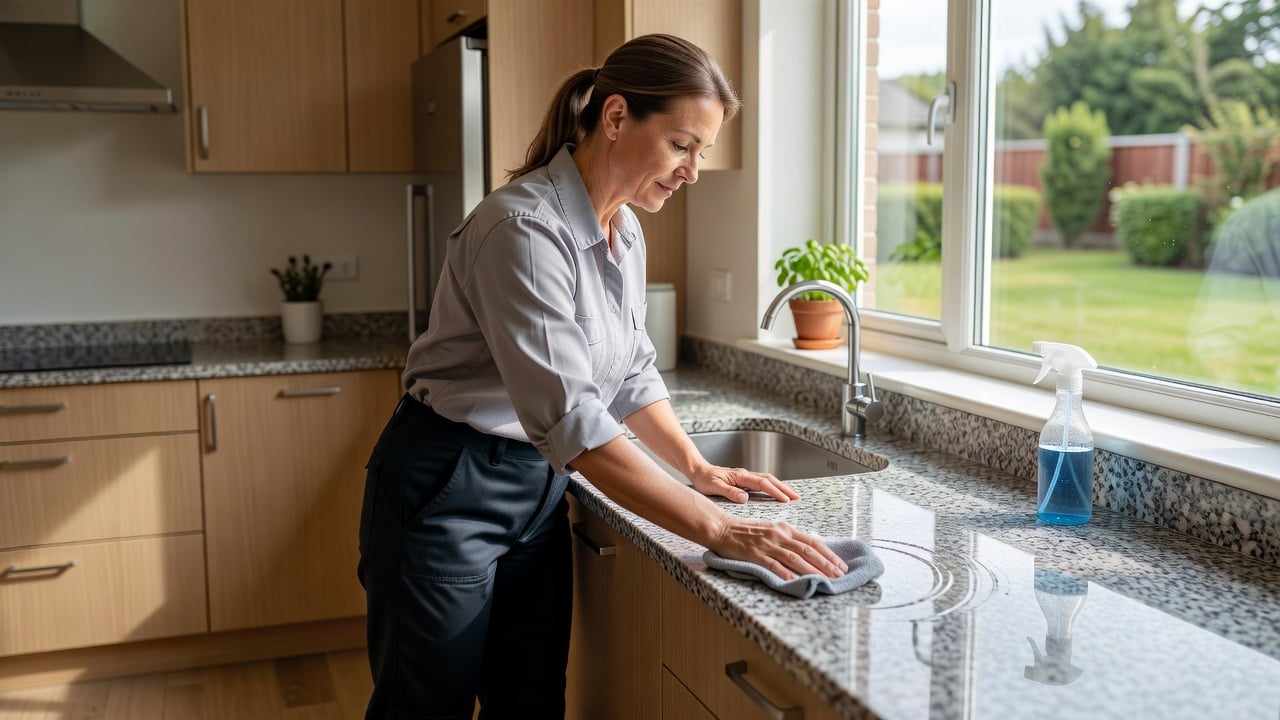
A cleaning business website works best when it shows clear services, real proof of results, and an easy path to contact. Homeowners scan for trust signals and quick answers before they pick up the phone or fill out a form. This checklist walks through the exact pages, signals, and details that turn visitors into booked jobs.
Why a dedicated website matters for cleaning businesses
Many cleaning companies rely on Google Business profiles or word of mouth, yet a site gives you full control over how services appear. You can list recurring cleans, deep cleans, move-out services, and commercial packages without limits on space or format. A site also lets you show before-and-after photos that a profile alone cannot always highlight well.
Homeowners often compare several cleaners in one evening. A site that loads fast and answers common questions reduces the chance they move on to the next result. It also supports local SEO by giving search engines structured pages about your service areas and specialties.
Without your own site, you depend on third-party rules for how your work shows up. A dedicated site lets you update pricing ranges, add seasonal packages like spring deep cleans, and post fresh job photos the same day you finish them. This control matters when competitors change their listings or platforms limit photo uploads.
Essential pages every cleaning site needs
Start with a home page that states your main services and service area in the first screen. Add a services page that breaks down each offering with time estimates, pricing ranges where possible, and what is included. A gallery page with real job photos builds credibility faster than stock images.
Include an about page that names the owner or lead cleaners and explains how long the business has operated locally. A contact page should list phone, text options, and a simple form. Many cleaners also add a service-area page that lists neighborhoods and nearby towns to help with local searches.
Break the services page into clear sections for one-time deep cleans, recurring weekly or bi-weekly visits, move-out cleans, and post-construction dust removal. Each section should list exact tasks such as inside oven cleaning, baseboard dusting, and carpet spot treatment so homeowners know what they receive. Add a short checklist of what clients need to prepare before the team arrives.
The gallery works best when photos show specific areas like freshly cleaned tile grout, streak-free windows, and organized closets after a move-out service. Caption each image with the service type and neighborhood so visitors see the results match their own homes.
Trust signals that turn visitors into bookings
Reviews carry heavy weight for cleaning work because homeowners worry about reliability and care inside their homes. Display recent reviews with names, dates, and the specific service mentioned. Add a short video or photo set from a recent job to show attention to detail on baseboards, tile, or kitchen appliances.
Insurance and bonding statements belong near the top of the home page or in a footer. Mention background checks for staff if you run them. A simple guarantee such as a re-clean promise if anything is missed gives nervous homeowners one more reason to choose you over an unproven option.
Place client logos or neighborhood references on the home page when you have permission. Show before-and-after pairs side by side for high-traffic areas like kitchens and bathrooms. Include a short note on how long each cleaner has worked with your company to signal stability.
Many homeowners also look for proof that you handle special requests such as pet-friendly products or eco-friendly supplies. List these options clearly on the services page and add a short testimonial that mentions the specific request handled well.
Mobile optimization for on-the-go homeowners
Most booking inquiries for cleaning services come from phones during evenings or lunch breaks. Test that buttons for calling or texting remain large and easy to tap. Keep forms short—no more than name, address, and preferred date—so people can complete them without zooming or scrolling sideways.
Images should compress well so the site loads in a few seconds on mobile data. Avoid pop-ups that cover the entire screen on phones. A clean mobile layout also helps when customers forward your site to a spouse or property manager for approval.
Set tap targets at least 48 pixels tall for every call-to-action button. Test the contact form on both iOS and Android devices to confirm the keyboard does not cover the submit button. Use a single-column layout on phones so text stays readable without pinching to zoom.
Compress all gallery images to under 150 KB each and serve them in modern formats. Add a sticky call or text button that stays visible as the user scrolls through service details. This small change often increases completed inquiries from mobile visitors who browse while at work.
Lead capture forms that actually work
Place a contact form on the home page and services page rather than hiding it behind multiple clicks. Ask only for the details you need to quote: property type, square footage range, and service date. Offer a second option such as a direct text line for homeowners who prefer not to fill forms.
Follow up within minutes when possible. Many cleaning businesses lose jobs because the first reply arrives the next day. A simple lead list that sends new submissions straight to your phone keeps response time short without extra software.
Use form fields that match how cleaning quotes are built: number of bedrooms and bathrooms, frequency preference (one-time, weekly, bi-weekly), and any special notes like pet presence or allergy concerns. Keep the form to five fields or fewer so completion rates stay high.
Send an instant auto-reply that confirms receipt and states when the owner will respond. This small step reassures homeowners that their request did not disappear into a void. Track which page the form came from so you know whether the services page or home page drives more leads.
SEO basics tailored to local cleaning services
Use clear page titles and headings that match how homeowners search, such as “House Cleaning in [Neighborhood]” or “Move Out Cleaning [City]”. Add service descriptions that mention specific tasks like oven cleaning, carpet spot treatment, or post-renovation dust removal. Keep content updated with seasonal offers such as spring deep cleans or holiday prep packages.
Link internally between your services page and gallery so visitors and search engines understand the full scope of work. Consistent name, address, and phone details across the site and your Google Business profile help local rankings. For a broader look at building sites that support these practices, see the website for local service businesses complete guide.
Write each service description in plain language that includes the exact neighborhoods you serve. Add a service-area map on its own page with clickable neighborhood names that link back to relevant service descriptions. Update the site whenever you add a new town so search engines see fresh local content.
Include structured data for local business and service offerings so search engines understand your cleaning types and coverage area. Keep meta descriptions under 155 characters and focused on the main benefit, such as reliable weekly house cleaning in your specific city.
Common mistakes to avoid on cleaning websites
Too many cleaning sites use generic stock photos that look the same as every competitor. Replace them with your own job shots as soon as possible. Another frequent issue is burying the phone number or form at the bottom of long pages; keep primary contact options visible on every screen.
Some owners skip a services page and list everything only in a paragraph on the home page. Separate pages make it easier for visitors to find exact offerings and for search engines to rank individual services. Finally, avoid long load times from unoptimized images or heavy animations that frustrate mobile users.
Another common error is missing clear pricing ranges or time estimates. Homeowners want to know roughly what a two-bedroom recurring clean costs before they contact you. Add a simple table or bullet list that shows starting prices and what changes the final quote.
Many sites also forget to state cancellation or reschedule policies. A short, friendly paragraph on the contact or services page reduces last-minute questions and shows you run a professional operation. Review the site every quarter and remove any outdated offers or old photos that no longer match your current work.
How to build or update your site without overwhelm
Begin with the pages listed above and add one new element each week, such as fresh photos or an updated review section. Use a platform built for service businesses so you do not spend hours on code or design tweaks. Many owners start free at start a free website and add pages as jobs come in.
Review the site monthly from a phone and ask a non-customer to test the booking flow. Small, steady improvements keep the site useful without requiring a full redesign every year. The goal remains the same: make it simple for homeowners to see your work, trust your team, and reach you quickly.
Create a simple checklist for yourself: confirm all contact buttons work, replace any stock images with real job photos, and add one new review each month. Track which pages receive the most form submissions so you know where to focus updates. Over time these small steps compound into a site that consistently brings in the right homeowners without extra ad spend.
Frequently asked questions
- What pages should a cleaning business website include?
- Home, services with detailed checklists, gallery of real jobs, about the team, service areas, and contact with a short form.
- How many form fields should a cleaning quote request have?
- Five or fewer: name, address, property type or square footage, preferred date, and any special notes like pets or allergies.
- Do cleaning websites need before-and-after photos?
- Yes. Real photos of kitchens, bathrooms, and baseboards build trust faster than stock images and show exactly what clients receive.
- How often should I update my cleaning business site?
- Add one new review or photo set each month and review the full site from a phone every quarter to keep information current.
- What trust signals matter most for cleaning services?
- Recent reviews with service details, insurance and bonding statements, background-check mentions, and a clear re-clean guarantee.
Ready for a professional website?
Get a multi-page site built for local service businesses — free to start.
Build free website